

Seniors: Graduation
Seniors: Class of 2027!
As our families with 12th graders begin to think about what comes next, we want to support as much as possible. For our seniors applying to four-year-colleges, we know questions are arising surrounding Common App, recommendation letters, financial aid, and scholarships.
We want to encourage all seniors, especially those who take classes through Running Start or Skills Center and are not always on campus, to check their school emails frequently for information from counselors. Every year, our team teaches lessons and hosts events to support students in this process. We will be sending out information about these opportunities, along with scholarships and information about application procedures, via email.
Announcements
- Cleveland After School Help: If students need academic support or some space to work on a project, please stop by our after school help program, which runs from 3:45-4:45 p.m. after school.
- Financial Aid Applications: It is very important for you and your student to fill one of those applications out if planning to attend any form of higher education, Seattle Promise, trade schools, and other 2-year programs. Unclear about whether you should fill out the FAFSA or the WASFA? Take this quick questionnaire to determine which one is best for you!
- Check Out: WA Student Achievement Council’s upcoming online events. If you need additional guidance around Financial Aid, please reach out to your child’s counselor! We’re here to help.
Senior Important Timeline
- Oct. 28: Mandatory Senior Class Meeting at 12:30 p.m. – 1:30 p.m. Auditorium.
- Come to the Cleveland auditorium during advisory to learn more about graduation and ordering caps & gowns.
- Oct. 28: College Application Workshop after school (2:30 – 4:30 p.m., Rooms 1170, 1172, 1162)
- Seniors meet in Room 1172: College Reps from UW Seattle, UW Bothell, Western, Seattle Promise and more will be there to review personal statements, college applications and financial aid applications.
- Now! Pre-Order the 2027 “100 Year Anniversary Edition Yearbook” Learn more.
- Nov. 4: Drop in Counselors Support: Seniors meet in the library. Colleges, Financial Aid applications and Personal Statements.
- Due December 2026: Cap, Gown, Tassel & Stole 2027.
- Details at the Senior Meeting and in resource tab below.
- Due TBD: Service Learning House & PE Waiver Forms
- Details in resources tabs below.
- Due TBD: High School and Beyond Plan Tasks: SchooLinks
- Details in resources tabs below.
- June TBD! As we get close to the end of the year, we’re excited for a full day of senior activities. Please plan to come to campus, it’s going to be a fun and important day! Running Start students: you are expected to attend.
- Seniors: the tentative Graduation date is set for Friday, June 11 at 5:30 p.m.
- As soon as graduation is confirmed, we will let you know, and we will share more information about the venue as well.
Resource Information
Cap, Gown, Tassel, Stole 2027 Orders
- Graduation Apparel: National Achievers/Jostens is the source for all graduation apparel, including caps and gowns, tassels, stole 2027, diploma cover, announcements with school image on the keepsake announcement and more.
- Visit the National Achiever/Jostens to place orders.
- Seniors will be given a packet of info and details for ordering the Graduation Cap & Gown at the Senior Meeting on October 28, 2026.
- Direct link to Only: Cap, Gown, Tassel, Stole 2027
- Direct link to Only: Tassel, Stole 2027
- If you already have or have borrowed a Cap and Gown.
- Seniors will be given a packet of info and details for ordering the Graduation Cap & Gown at the Senior Meeting on October 28, 2026.
Please direct questions to National Achiever at 425-357-1338.
Grad Ads, Pre-Order Yearbook
Service Learning and PE Waiver Forms
To complete your service learning requirement for Seattle Public Schools, you’ll need to fill out the Service Learning and Reflection Form.
Service Learning Instructions
- Download the Service Learning Form: View or download the Service Learning Form PDF
- Complete Your Service Hours: Engage in volunteer activities that are relevant to your community, school, or career exploration. Ensure these activities are unpaid and supervised by an adult.
- Fill Out the Form: Provide details about your service activities, including the organization, dates, hours, and supervisor’s signature.
- Write a Reflection: Reflect on your service experience by answering questions about the need for the service, your choice of project, its impact, and how it connects to your High School and Beyond Plan1.
- Submit the Form: Turn in the completed form to your school counselor or Ms. Tagupa in room 2151.
PE Waiver Instructions and Information
To request a PE waiver for Seattle Public Schools, follow these steps:
- Download the PE Waiver Form: View or download PE Waiver Form
- Complete the Form: Fill out all required sections, including your personal information and the reason for the waiver. Acceptable reasons include:
- Physical Disability (requires verification from a doctor)
- Religious Belief (requires verification from a religious leader)
- Directed Athletics (requires verification from a coach or detailed information from a parent/guardian)
- Military Science (requires proof of enrollment)
- Employment (requires verification from an employer)
- Attach Required Documentation: Ensure you have all necessary verification documents attached to your form.
- Submit the Form: Turn in the completed form to your school counselor or Ms. Tagupa in room 2151.
For any questions, please stop by the Counseling Center.

Our previous college and career exploration software, Naviance, has been phased out by the school district, and we are introducing a new program called SchooLinks. SchooLinks will be a central hub for students to explore career and education opportunities, work on their High School and Beyond plans, and track documents for their applications. Visit the High School & Beyond Plan SchooLinks page for more updates.
Senior News

Read All About It.

Join us at the STEM 360 Career Exploration Day.
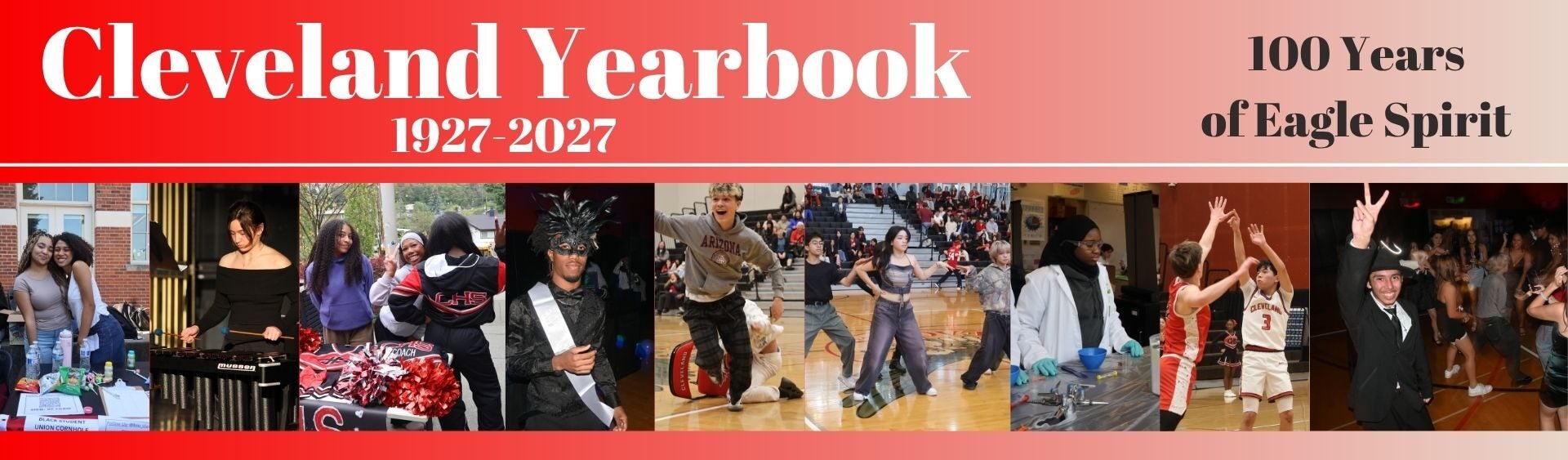
Pre-Order Your Yearbooks, Grad Ads, Name Plates. Choose Your Photo for the Yearbook.

College Visits, Apprenticeship and Career Opportunities.
Ways We Communication with Seniors
We will communicate important information with seniors through student email.
Students please check your email by logging in to your school computer and selecting the “student email” icon OR by going to Outlook and logging on with Username: computer log on + @seattleschools.org (i.e: 1teshaw@seattleschools.org) and Password: Same as laptop log in. Follow the prompts.
Senior Contacts
- Alison Havran: Activity Coordinator: achavran@seattleschools.org
- Dan Truog: Yearbook; drtruog@seattleschools.org
As of October 23, 2026